Acquire the X-ray
The clinic completes its normal imaging workflow.
 USASee if it fits ↓
X-ray AI for urgent care
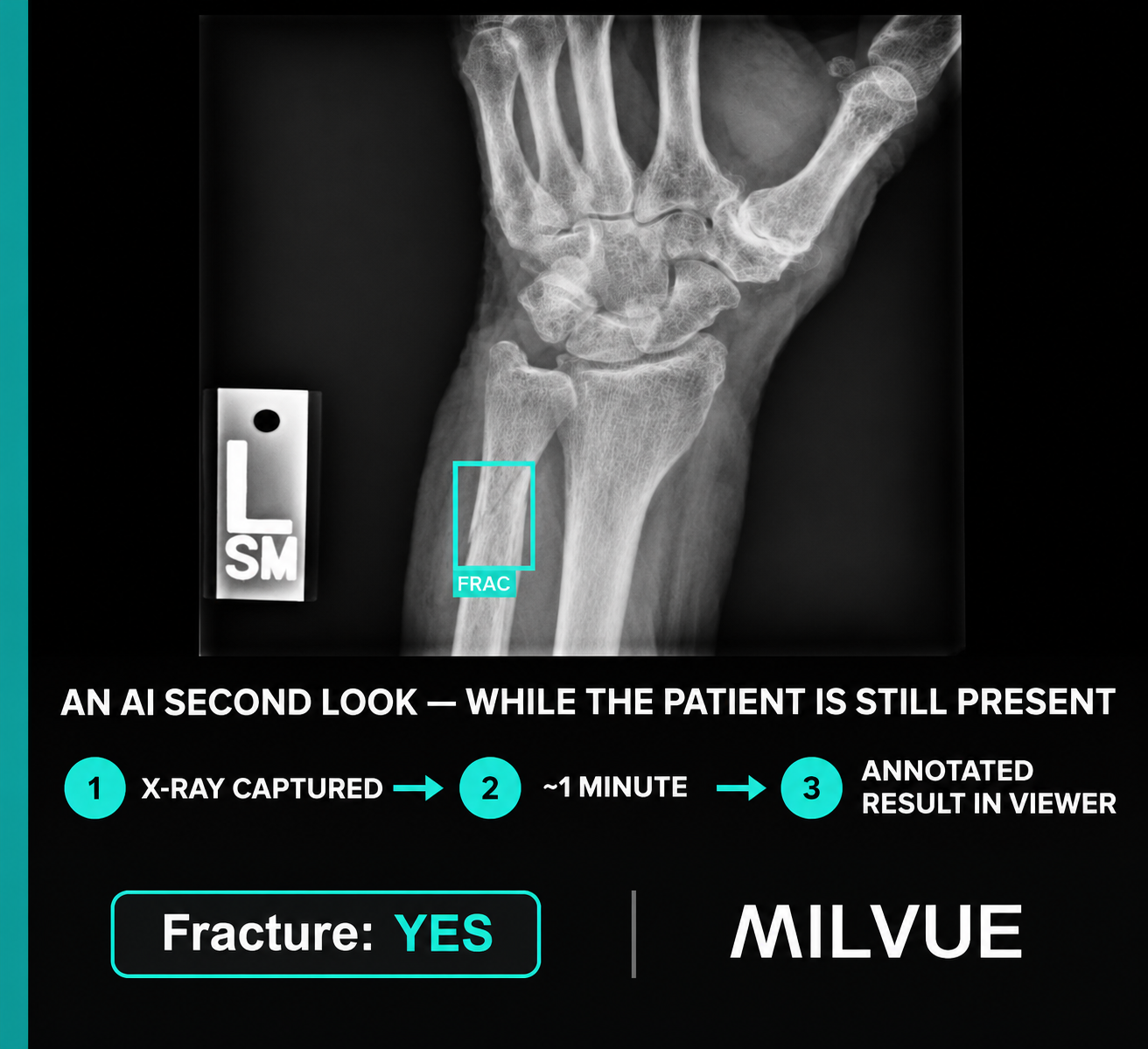
Milvue analyzes the X-ray and returns an annotated result to the clinic’s compatible DICOM viewer in about one minute—giving the treating provider additional visual information during the visit.
The workflow
The annotated image is designed to return to the compatible viewer your team already uses, so the information appears where the provider is reviewing the study.
The clinic completes its normal imaging workflow.
Milvue analyzes the study and prepares an annotated result.
The marked image returns while the patient is still in the clinic.
The provider uses the additional visual information within the existing clinical workflow.
Where it may help
Milvue is most relevant when the provider needs to make a treatment, splinting, referral, or discharge decision before a final report is available during the visit.
A simple next step
Tell us what part of the workflow you’re evaluating. We can show you how Milvue works and, if relevant, discuss a complimentary evaluation in your normal clinical environment.
Nick LeBeau · Principal, MedWest Inc.
(866) 992-9516 · nick@medwestusa.com